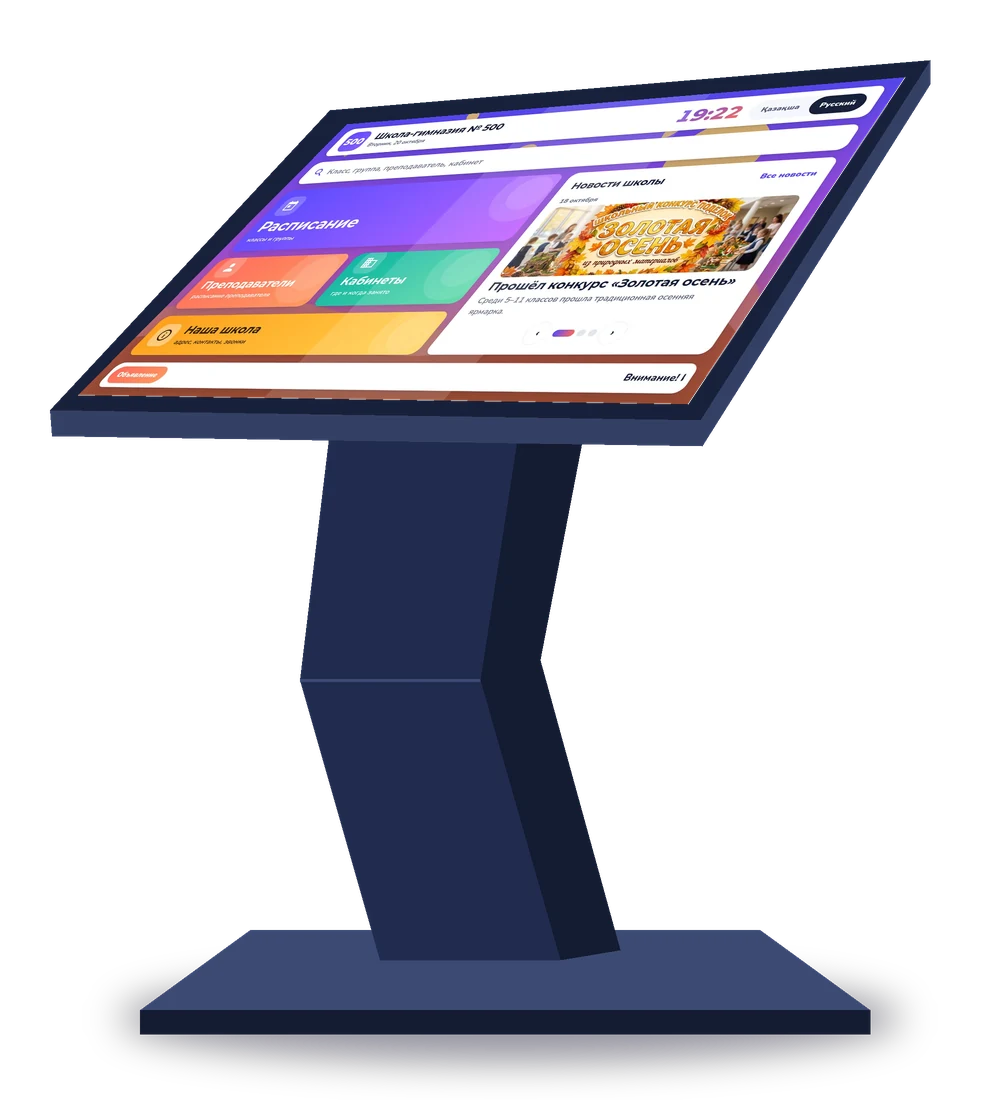
Digital school
A modern timetable screen in the hall is a visible step toward digitalization, seen by students, parents and visitors.
Free for schools and colleges
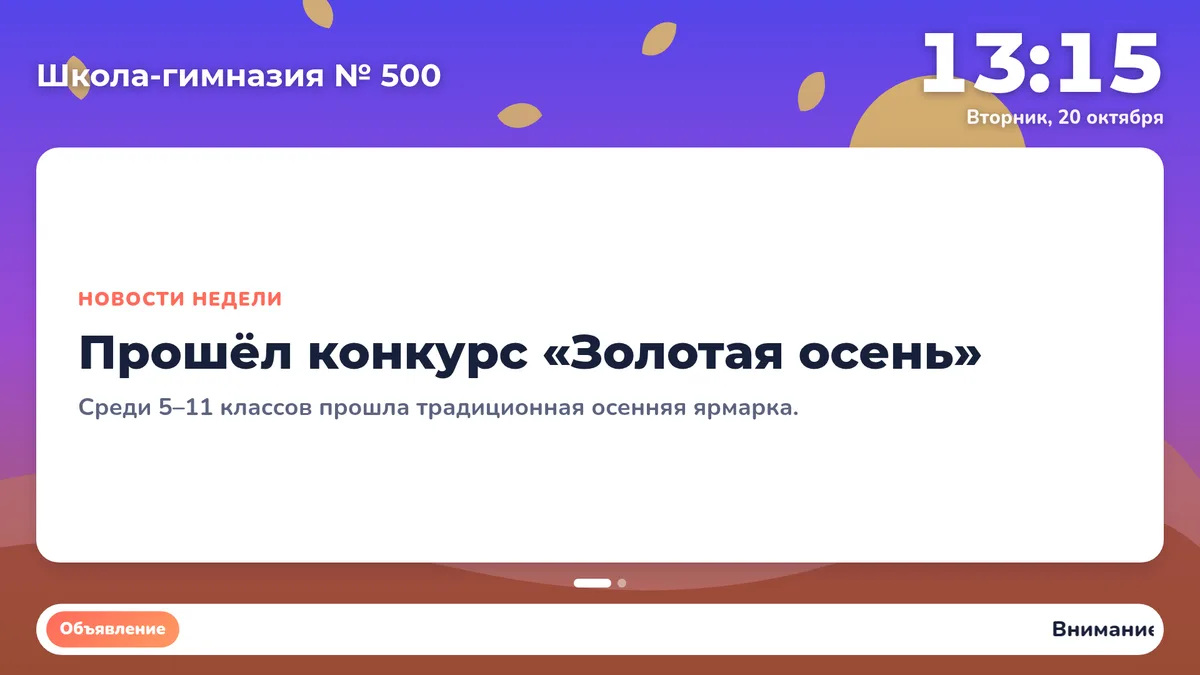
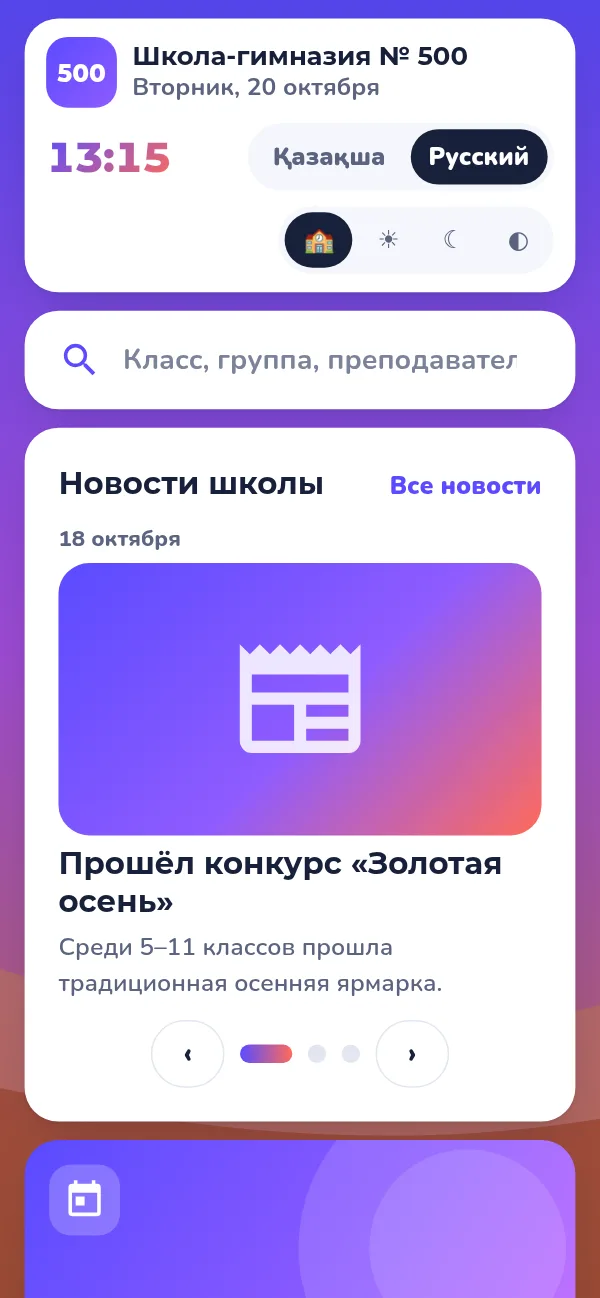
OkuScreen shows lesson and bell schedules, news and announcements. The deputy head publishes changes, and students and parents see them on their phones right away and get a Telegram notification.
The program is protected by copyright certificate No. 19166
What changes in your school from day one.
A modern timetable screen in the hall is a visible step toward digitalization, seen by students, parents and visitors.
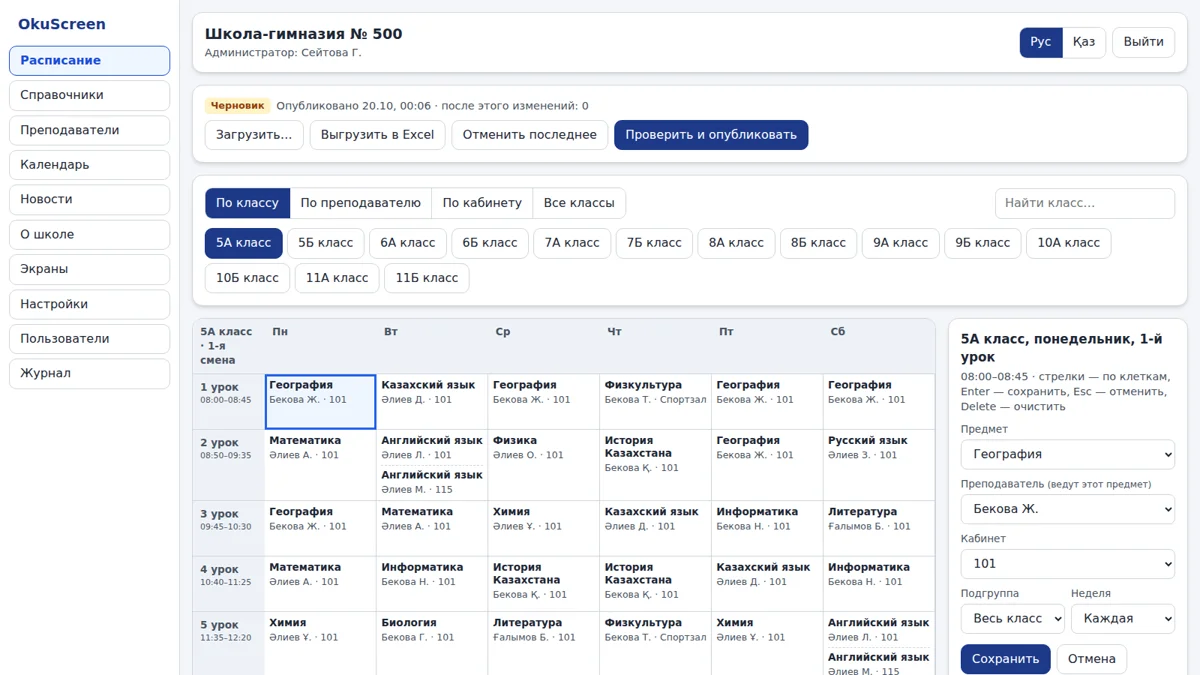
No need to print and re-paste timetables: the deputy head changes a lesson and it updates on every screen instantly.
Students and parents open their class timetable on their phone, with no apps to install and no calls to the school.
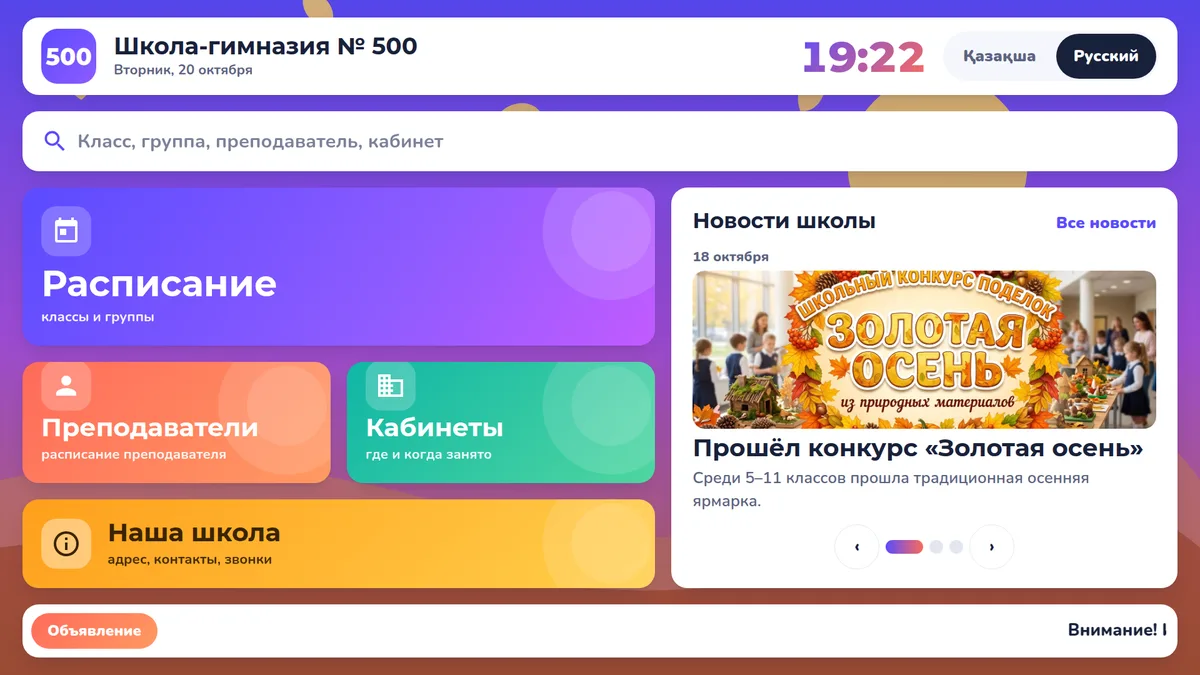
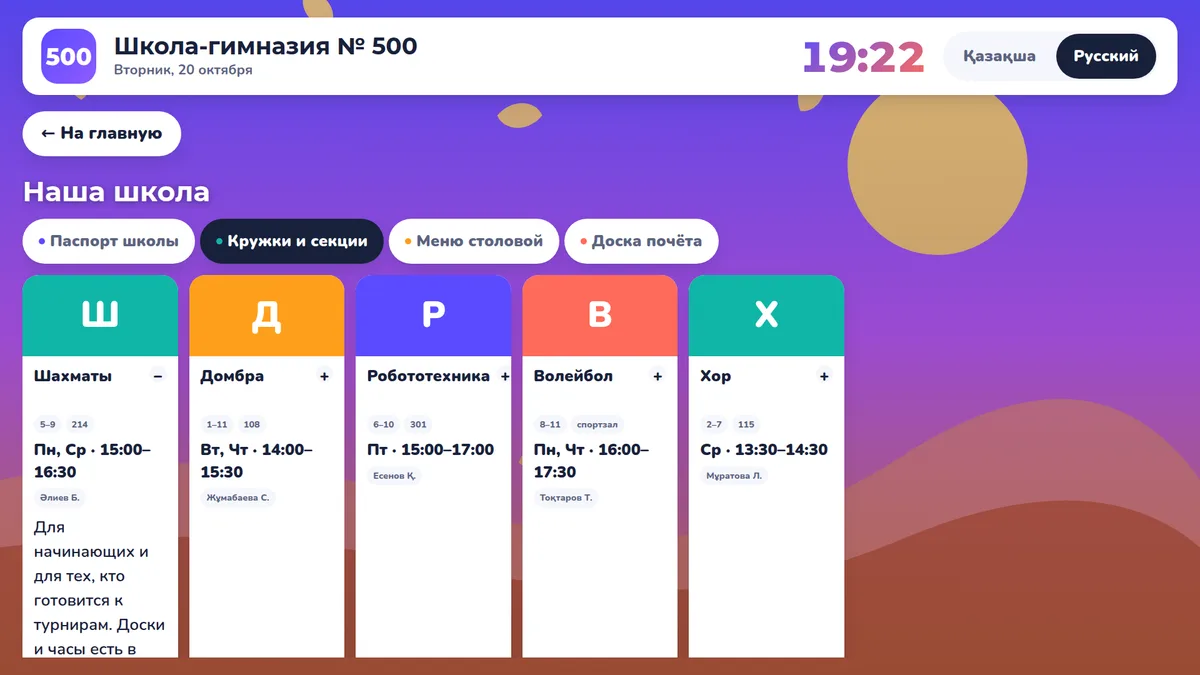
News, announcements, clubs and sections, canteen menu and the honor board: the whole school life on one screen.
Parents and students subscribe to their class and get messages about timetable changes and important news.
OkuScreen does not replace Kundelik, eMaktab or other state systems; it conveniently complements them.
How a school moves from paper to screens — a short video.
The most important feature for a school: the system places lessons itself, taking into account teacher workload, rooms and preferences. The deputy head only reviews and publishes. In the Maxi plan.
The timetable of a class, teacher or room in two taps. After 1.5 minutes without touches it returns to the home page by itself. An interactive panel in the classroom works too.
News, announcements and a scrolling ticker. It warns about days off in advance.
Each school has its own page: students and parents open the class timetable on their phone with no apps needed.
The whole week of a class on one screen, clash checks before publishing, Excel import and export, and a change log.
Write to us using the form below or on Telegram, and we will set up your school's address.
Do it yourself with the Excel template and instructions, for free. Or order 👑 Mini and we will upload everything for you.
Open okuscreen.com on a touch screen, interactive panel or TV and tap "Connect a screen". The screen links up with a short code.
Free! The timetable, touch screen, TV and deputy head panel cost nothing. Only the premium 👑 plans are paid: Mini (we upload and set up everything for you) and Maxi (timetable building and Telegram notifications).
No. OkuScreen does not replace state systems, it complements them: it shows the timetable and school life on screens and phones.
No. OkuScreen runs in a regular browser: on a touch screen, interactive panel, TV with a browser, computer and phone.
Any touch screen, an interactive classroom panel or a computer with a display will work, as will any TV with a browser. The school does not need a separate server. We can help you choose a touch stand; see "Hardware".
Each school gets its state language (Kazakh, Kyrgyz or Uzbek) and Russian; you switch languages with one tap. The deputy head panel is available in Kazakh and Russian.
Yes: you can show "group" and "pair" instead of "class" and "lesson", and streams and subgroups are supported.
We reply within one business day. You can also message us directly on Telegram.
Message us on Telegram@okuscreen_bot Email usokuscreen@okuscreen.com